Home > Blog > How to Fix Ink Flying in UV Printers: Causes and Practical Solutions
How to Fix Ink Flying in UV Printers: Causes and Practical Solutions
By Jingtong Intelligent TechnologyOctober 19th, 2026
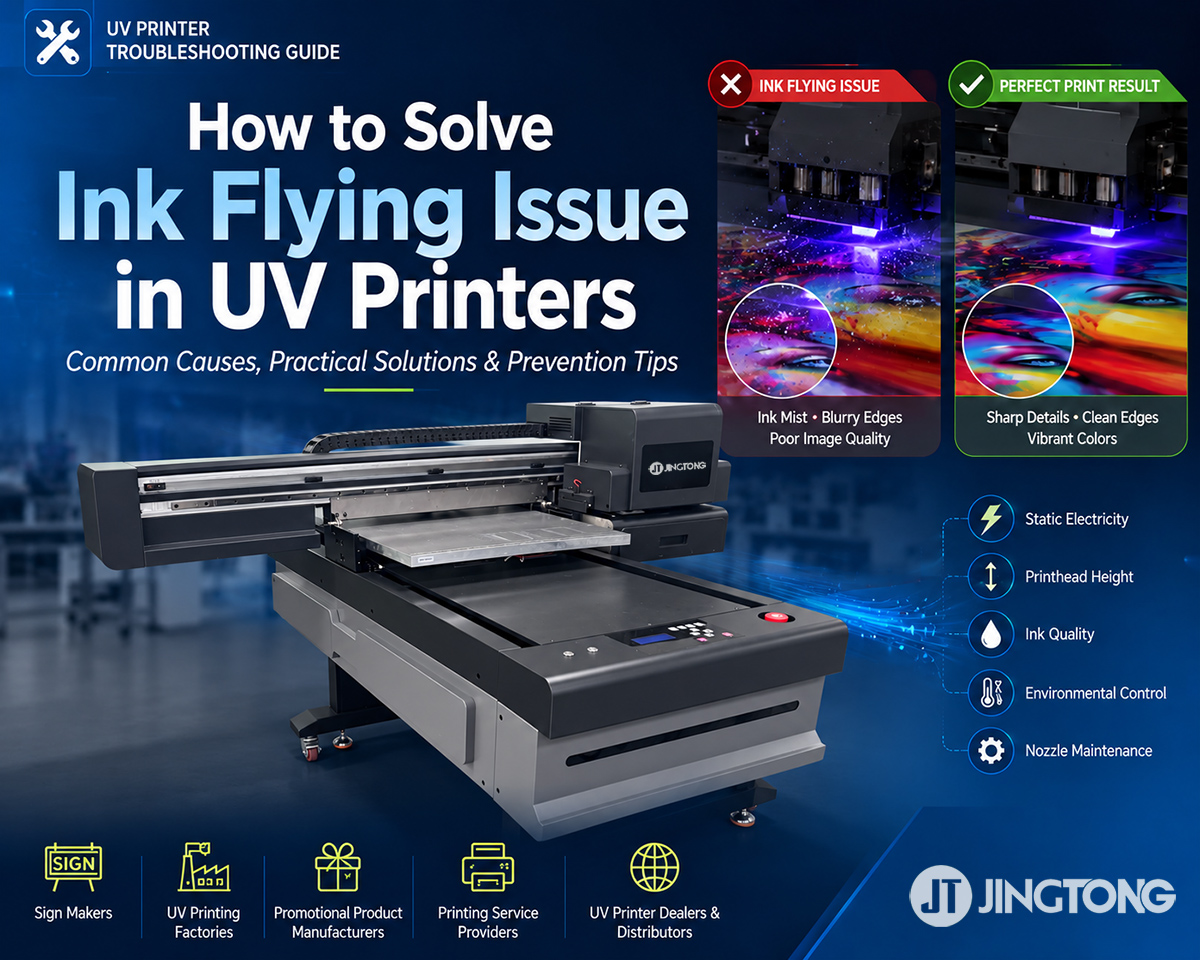
Ink flying is a common UV printing problem that can cause scattered ink dots, blurred edges, and reduced image clarity. For businesses printing on acrylic, glass, plastic, metal, and wood, understanding the causes of ink flying is essential for maintaining consistent print quality.
This guide explains the main causes of UV printer ink flying and how to troubleshoot them.
1. What Causes Ink Flying in UV Printers?
Static Electricity Static electricity is a common cause of ink flying, especially when printing on acrylic, PVC, and other plastic materials. Static charges can interfere with ink droplet placement. Solution:Ensure proper machine grounding, use suitable anti-static equipment when necessary, and maintain the recommended humidity level.
Incorrect Printhead Height When the printhead is too far from the material, ink droplets may deviate from their intended positions, resulting in blurry edges and scattered dots. Solution: Adjust the printhead gap according to the manufacturer’s recommendations. Ensure the material is flat and securely positioned on the printing platform.
Clogged or Deflected Nozzles Ink residue, dust, or partially blocked nozzles can cause irregular ink ejection and affect printing accuracy. Solution: Perform a nozzle check and follow the recommended printhead cleaning procedure. Contact technical support if nozzle deflection continues.
Incorrect Printhead Settings Unsuitable drive voltage or waveform settings may affect ink droplet formation and stability. Solution: Verify that the settings match the installed printhead model. Avoid changing advanced parameters without technical guidance.
Unsuitable UV Ink Incompatible ink, contamination, or improper storage conditions may affect ink ejection performance. Solution: Use compatible UV ink, check its storage conditions and expiration date, and avoid mixing different ink formulations without confirming compatibility.
2. How to Troubleshoot Ink Flying Follow these steps to identify the problem:
Inspect the print result: Check whether ink flying occurs across the entire image or only in specific areas.
Check the material: Look for static electricity, surface contamination, or uneven positioning.
Verify printhead height: Confirm that the gap is appropriate for the substrate thickness.
Run a nozzle check: Identify missing lines or irregular nozzle performance.
Review ink and settings: Check ink compatibility and recent changes to machine parameters.
Test one adjustment at a time. If the problem persists, contact your printer supplier for technical assistance.
3. How to Prevent UV Printing Problems Regular maintenance helps reduce ink flying and improve printing consistency.
Perform nozzle checks before production.
Keep the printing platform and printhead area clean.
Use compatible UV ink and approved cleaning solutions.
Check grounding and anti-static equipment regularly.
Maintain stable environmental conditions.
Adjust printhead height when changing materials.
Follow the manufacturer’s maintenance instructions.
These practices are particularly important for businesses printing on different substrates or handling customized orders.
4. Choosing the Right UV Flatbed Printer Printer configuration also affects printing stability. When selecting a UV flatbed printer, consider printhead configuration, material compatibility, printing height, ink delivery, and technical support.
Choosing equipment suited to your materials and production requirements can help improve workflow efficiency and reduce avoidable printing problems.
Conclusion UV printer ink flying can result from static electricity, excessive printhead height, nozzle problems, incorrect settings, or unsuitable ink.
Start by checking the material and printing environment, then inspect printhead height and nozzle performance. Regular maintenance and correct operating procedures can help improve image clarity and maintain consistent UV printing quality.
FAQ Q: What causes ink flying in a UV printer? A: Common causes include static electricity, excessive printhead height, nozzle deflection, incorrect settings, and unsuitable ink.
Q: Can static electricity affect UV printing? A: Yes. Static electricity can disturb ink droplet placement, especially when printing on acrylic, PVC, and plastic.
Q: Does ink flying mean the printhead is damaged? A: Not necessarily. Check static electricity, printhead height, nozzle condition, and ink compatibility before concluding that the printhead is faulty.
Q: How can I prevent ink flying? A: Perform regular nozzle checks, maintain the correct printhead gap, use compatible UV ink, and follow recommended maintenance procedures.