What Is a Single Pass Printer? Technology, Benefits, and Applications
By Jingtong Intelligent Technology
October 10th, 2026
As demand for faster production and customized packaging grows, digital printing technology is becoming increasingly important. A single pass printer offers an efficient solution for businesses looking to improve printing speed and streamline production.But how does this technology work, and which applications benefit most from it? Let’s explore the fundamentals of single pass printing.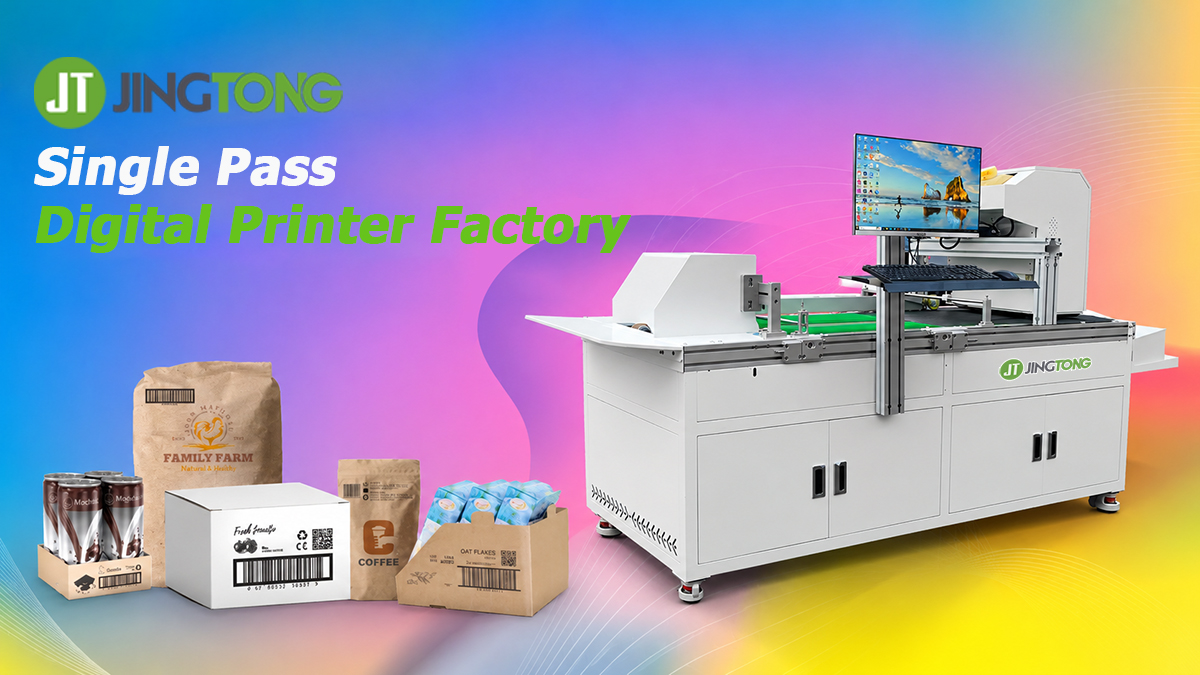 1. What Is a Single Pass Printer?A single pass printer is an industrial inkjet printing system that completes an image while the material passes through the printing area just once.Unlike conventional scanning printers, which move printheads back and forth across the substrate, a single pass printer uses fixed printheads arranged across the printing width. As the material moves underneath, the printheads deposit ink to create the complete image.This technology is particularly suitable for high-volume production where speed and consistent output are essential.Common applications include corrugated cardboard, packaging boxes, paper bags, and other compatible materials.2. How Does Single Pass Printing Work?The printing process generally involves four steps:Step 1: Prepare the artwork. Digital designs are processed through the printer’s software and converted into printing instructions.Step 2: Feed the material. The substrate enters the printing area through a manual or automatic feeding system.Step 3: Print in one pass. Fixed printheads apply ink as the material moves through the machine, producing the image without repeated scanning.Step 4: Dry or cure the ink. Depending on the ink system and substrate, the printed material may require drying or curing before further processing.By eliminating repeated printhead movements, single pass printing can significantly improve production throughput for suitable applications.3. Single Pass Printer vs. Multi-Pass PrinterBoth technologies have advantages, but they serve different production requirements.
|
Feature
|
Single Pass Printer
|
Multi-Pass Printer
|
|
Printing method
|
Fixed printheads; one pass
|
Repeated printhead scanning
|
|
Production speed
|
Designed for high throughput
|
Generally slower for comparable jobs
|
|
Workflow
|
Suited to repetitive production
|
Suited to varied printing jobs
|
|
Flexibility
|
Depends on machine configuration
|
Often adaptable to changing jobs
|
|
Typical applications
|
Industrial and packaging printing
|
Signage, graphics, and customized printing
|
- Corrugated packaging: Printing logos, product information, and graphics on compatible cardboard sheets and boxes.
- Paper bags: Producing customized shopping bags, branded packaging, and promotional designs.
- Cartons and paperboard: Printing graphics on suitable packaging components.
- Industrial printing: Handling selected paper products, labels, and other materials, depending on machine configuration.
For food-related packaging, businesses should verify ink suitability and applicable food-contact requirements before selecting equipment.Not every printer supports every material, so compatibility testing is recommended.6. How to Choose the Right Single Pass PrinterBefore investing in a single pass digital printer, consider these key factors:Material compatibility: Check substrate type, thickness, dimensions, and surface characteristics.Printing width: Ensure the machine accommodates your required material sizes.Production speed: Evaluate practical output at your intended print quality settings.Print quality: Confirm resolution, color reproduction, and image consistency.Ink system: Verify ink compatibility and any drying or curing requirements.Operating costs: Consider ink consumption, maintenance, spare parts, and labor.Technical support: Check installation, training, and after-sales service.Testing the machine with your actual materials and artwork is one of the best ways to assess its suitability.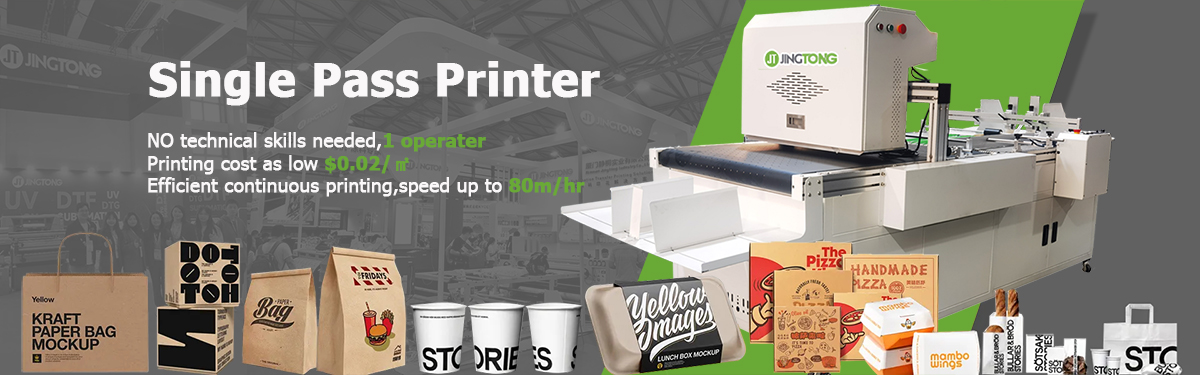 7. FAQQ: Is a single pass printer faster than a multi-pass printer?A: Generally, yes. Single pass printers eliminate repeated scanning movements and are designed for high production throughput. Actual speed depends on the machine, substrate, and print settings.Q: What materials can a single pass printer print on?A: Depending on the model, suitable materials may include corrugated cardboard, paper bags, cartons, and paperboard.Q: Does single pass printing require printing plates?A: Digital single pass inkjet printing generally does not require conventional physical printing plates, making design changes easier.Q: Is a single pass printer suitable for small businesses?A: It can be suitable for businesses with sufficient production demand. However, companies with low print volumes should compare the investment and operating costs with alternative technologies.8. Conclusion
A single pass printer uses fixed printheads and controlled material movement to deliver high-speed digital printing for suitable industrial applications.From packaging boxes to paper bags and other compatible substrates, single pass printing technology can help businesses improve productivity and simplify customized printing workflows.Before choosing a machine, evaluate your materials, production volume, print quality requirements, and operating costs to determine whether this technology fits your business needs.
Previous
6-Color vs 10-Color UV Printers: Which One Is Right for Your Business?
Read More
Next
How to Fix Ink Flying in UV Printers: Causes and Practical Solutions
Read More